MP3 Album Player
A simple, offline MP3 player for iPad
Built for people who just want to listen to their own music—no accounts, no streaming, no internet required. Load your MP3s, pick an album, and press play. Simple controls, clean interface, and nothing else getting in the way.
The app is lean and efficient—small memory footprint, easy on your battery. And there's no upgrade nagging: what you buy is what you get, no locked features, no subscriptions.
MP3 Album Player
Privacy Policy
MP3 Album Player does not collect, store, or transmit any personal data. The app runs entirely on your device and does not connect to the internet.No accounts or sign-ins.
No analytics or tracking.
No data shared with third parties.Your music files stay on your device and are never accessed by anyone but you.
If you have questions, contact us at [email protected].
Last updated: [date]
How to ...
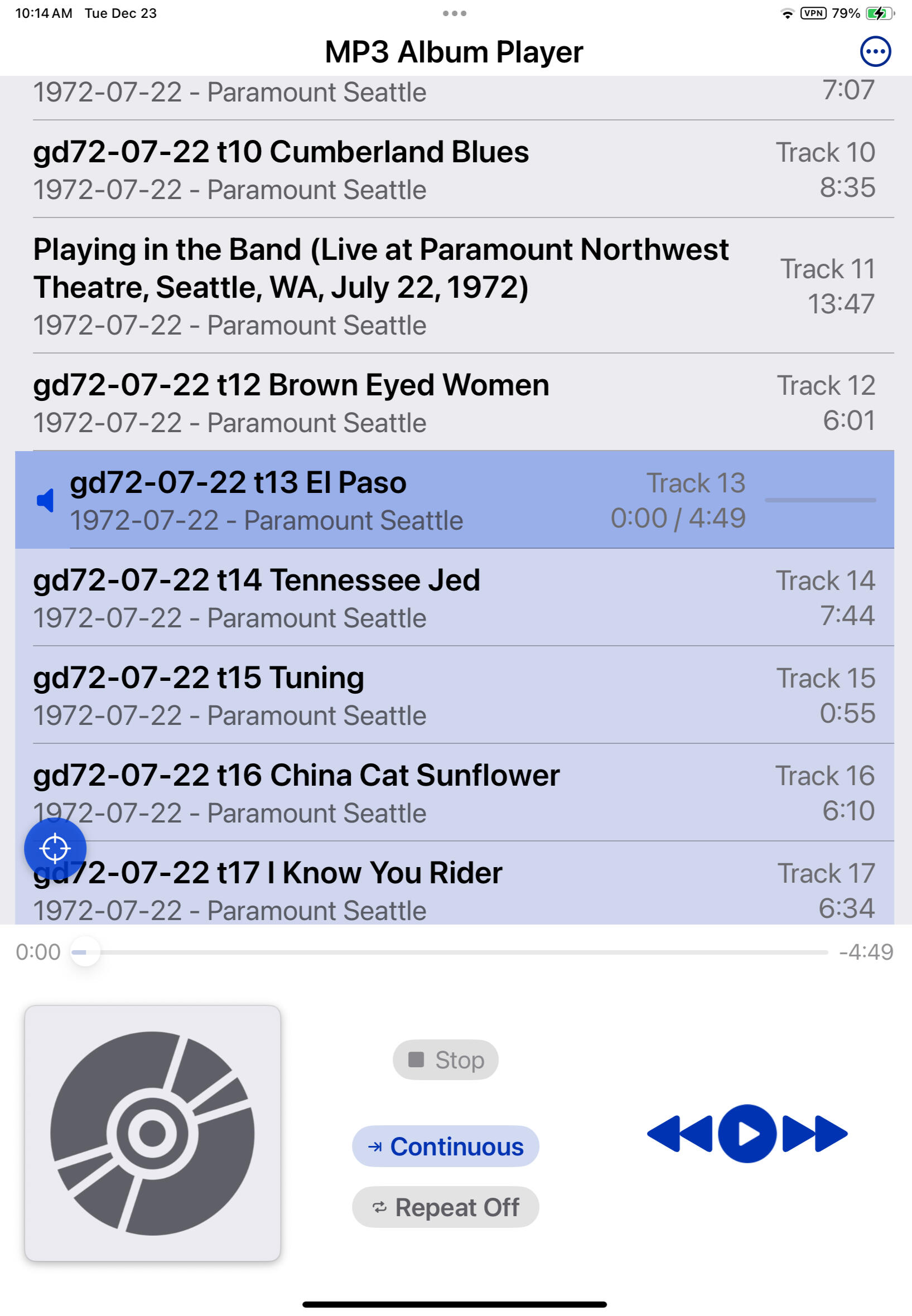
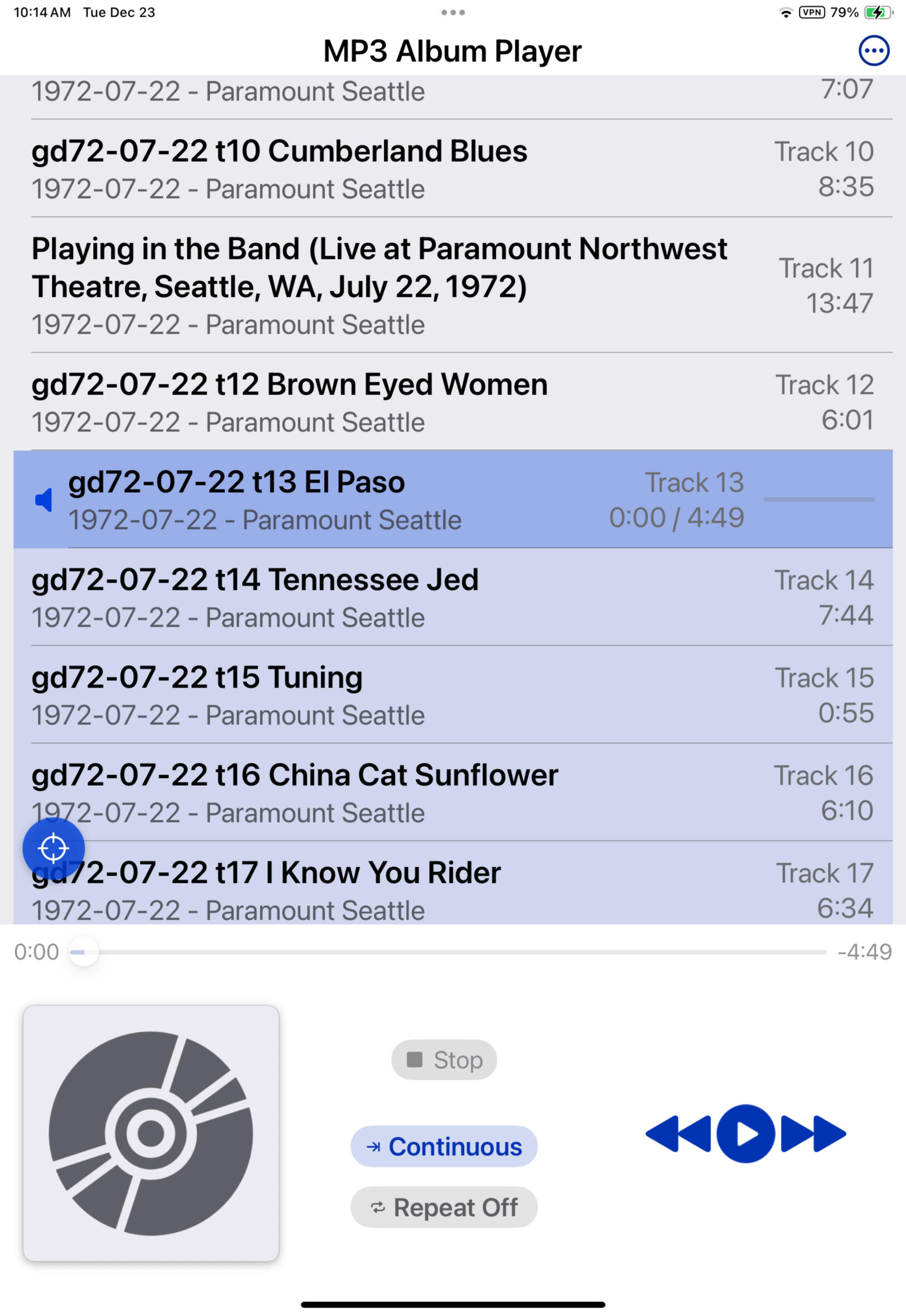
Click on the 3 dots in upper right corner to add songs, sort songs, or remove all songs.
Songs may be loaded from any source available on your iPad file picker - songs are not copied so they must remain available during play.
Swipe left to remove one song at a time while not playing.
Select the play mode: Single plays only the selected song, Continuous plays from selected song to end of list.
Select the repeat mode: RepeatOff or RepeatOn.
The Stop button stops play completely. Push the Pause button if want play to temporarily suspend.
Long press on any song to see song information.
Third item
Contact
Lorem ipsum dolor sit amet, consectetur adipiscing elit. Praesent vestibulum risus sit amet lectus condimentum, ac fermentum nibh ullamcorper magna.